A Workspace for Long Days at the Computer
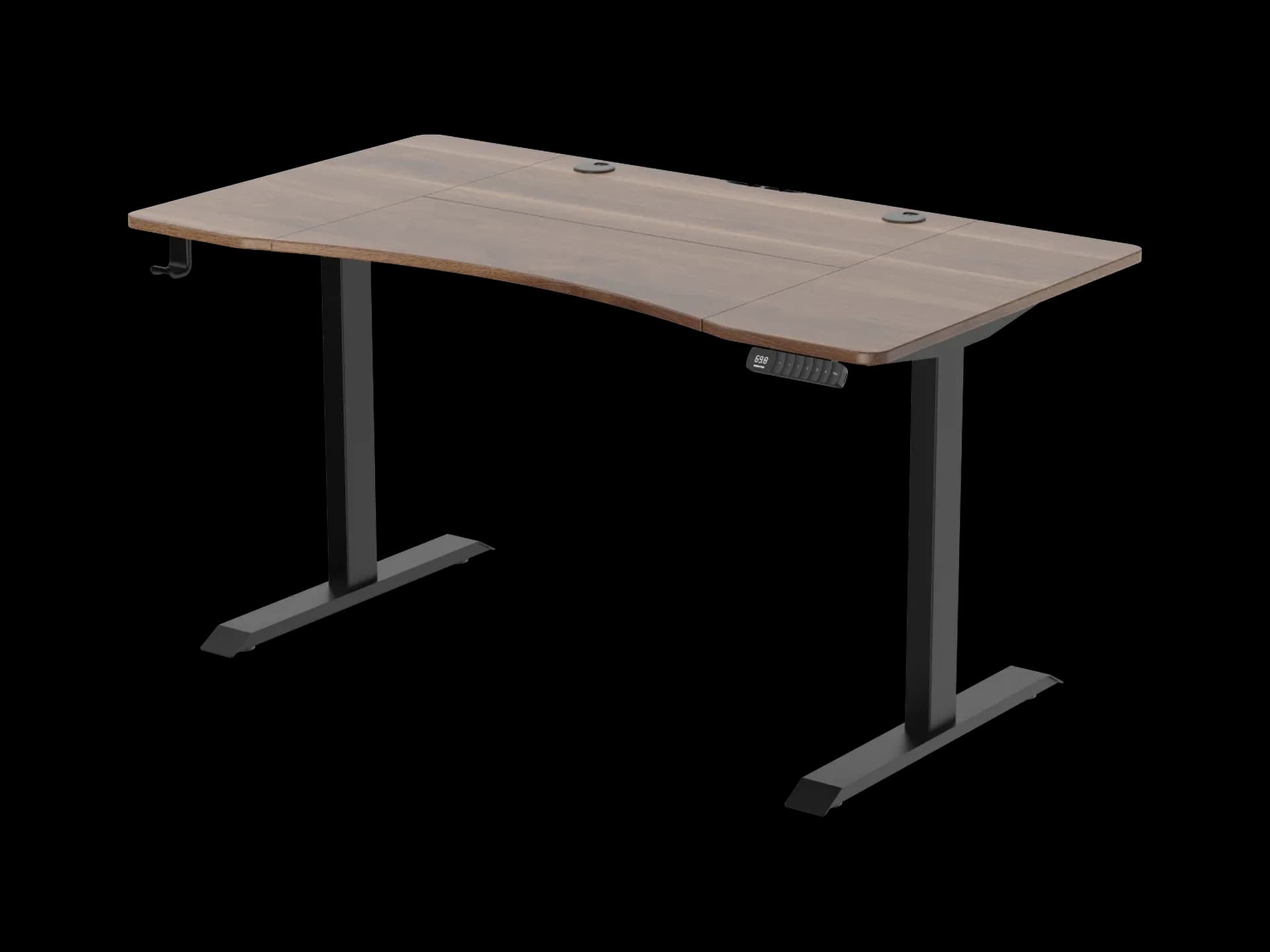
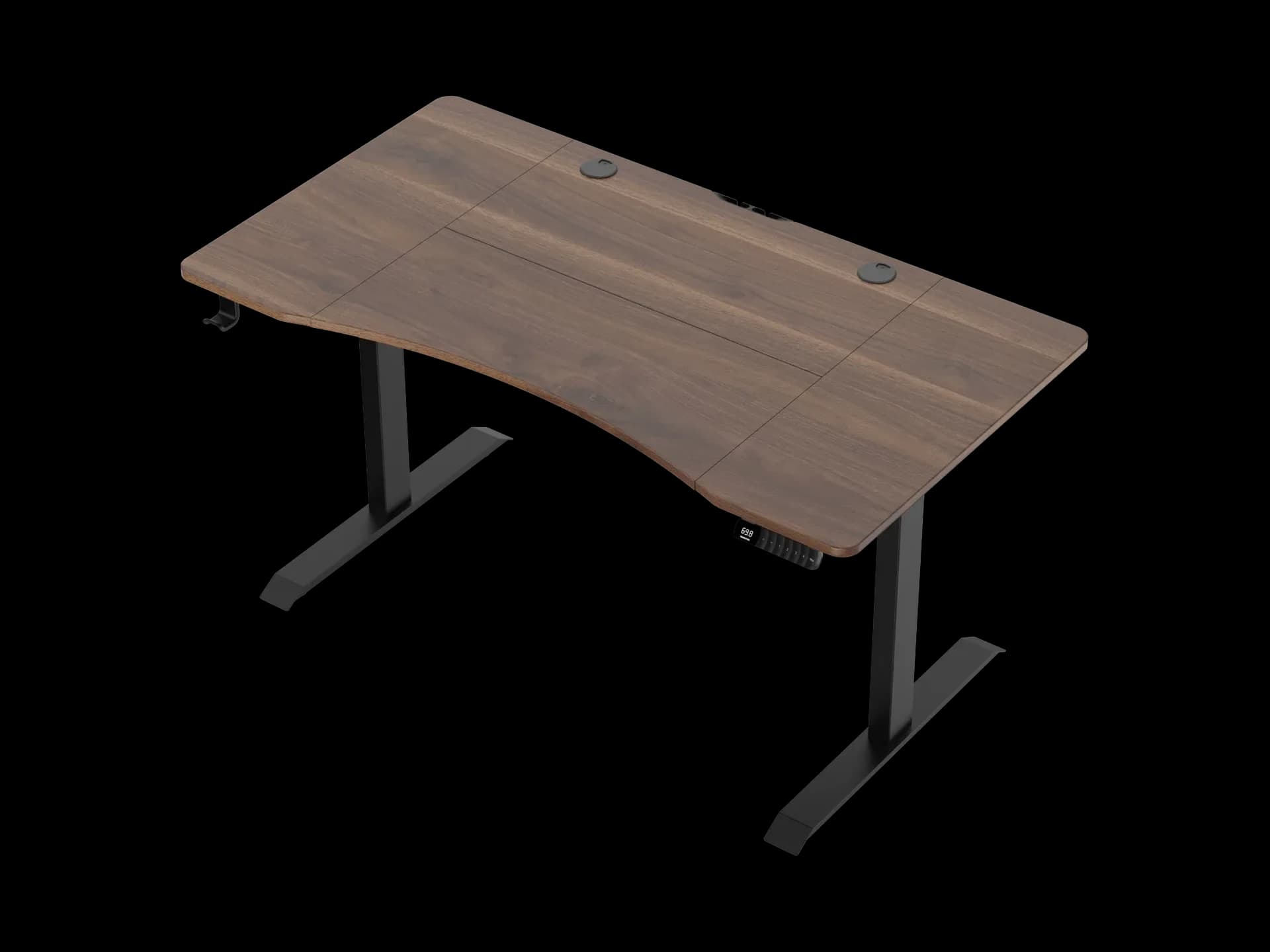
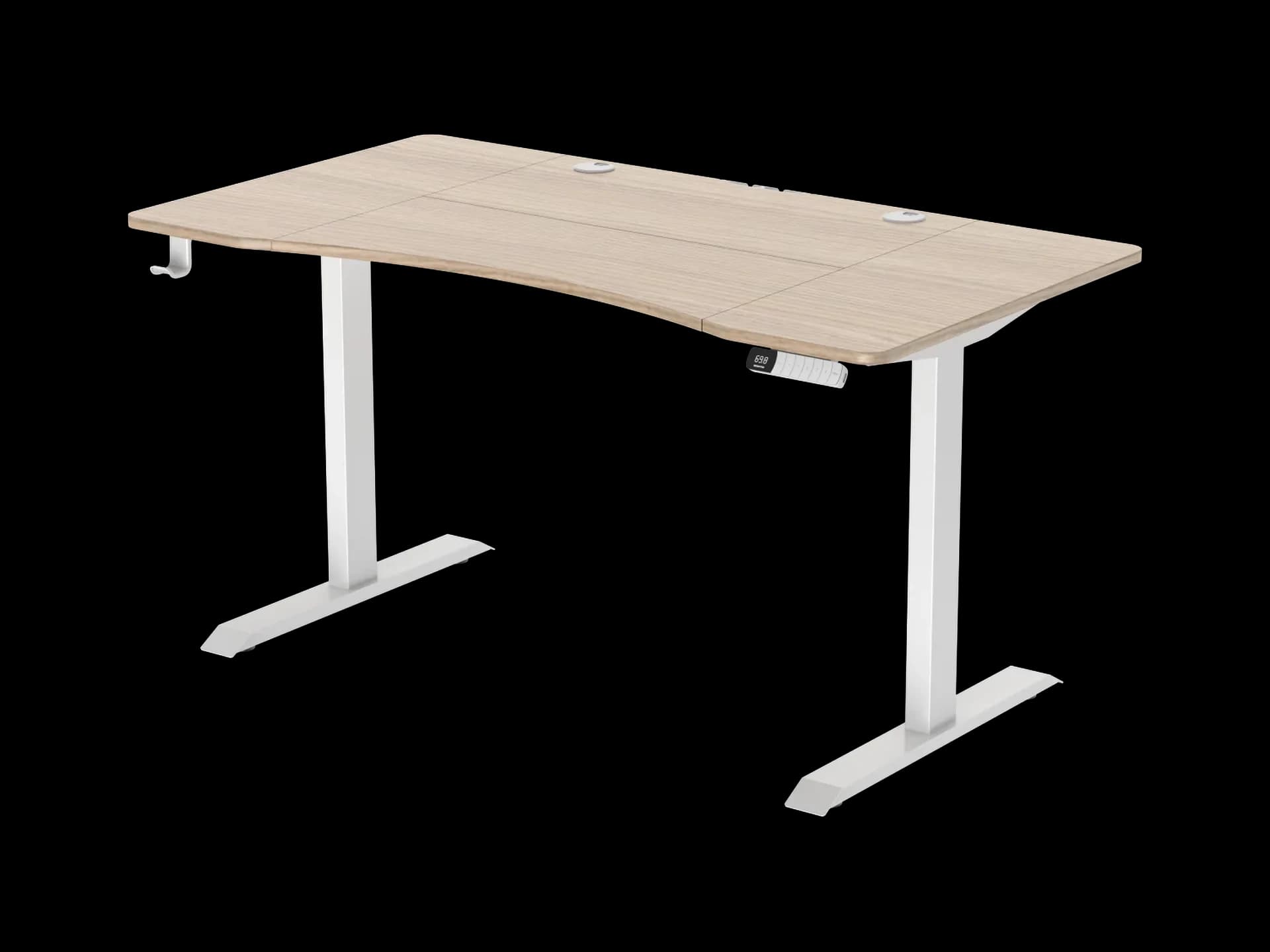
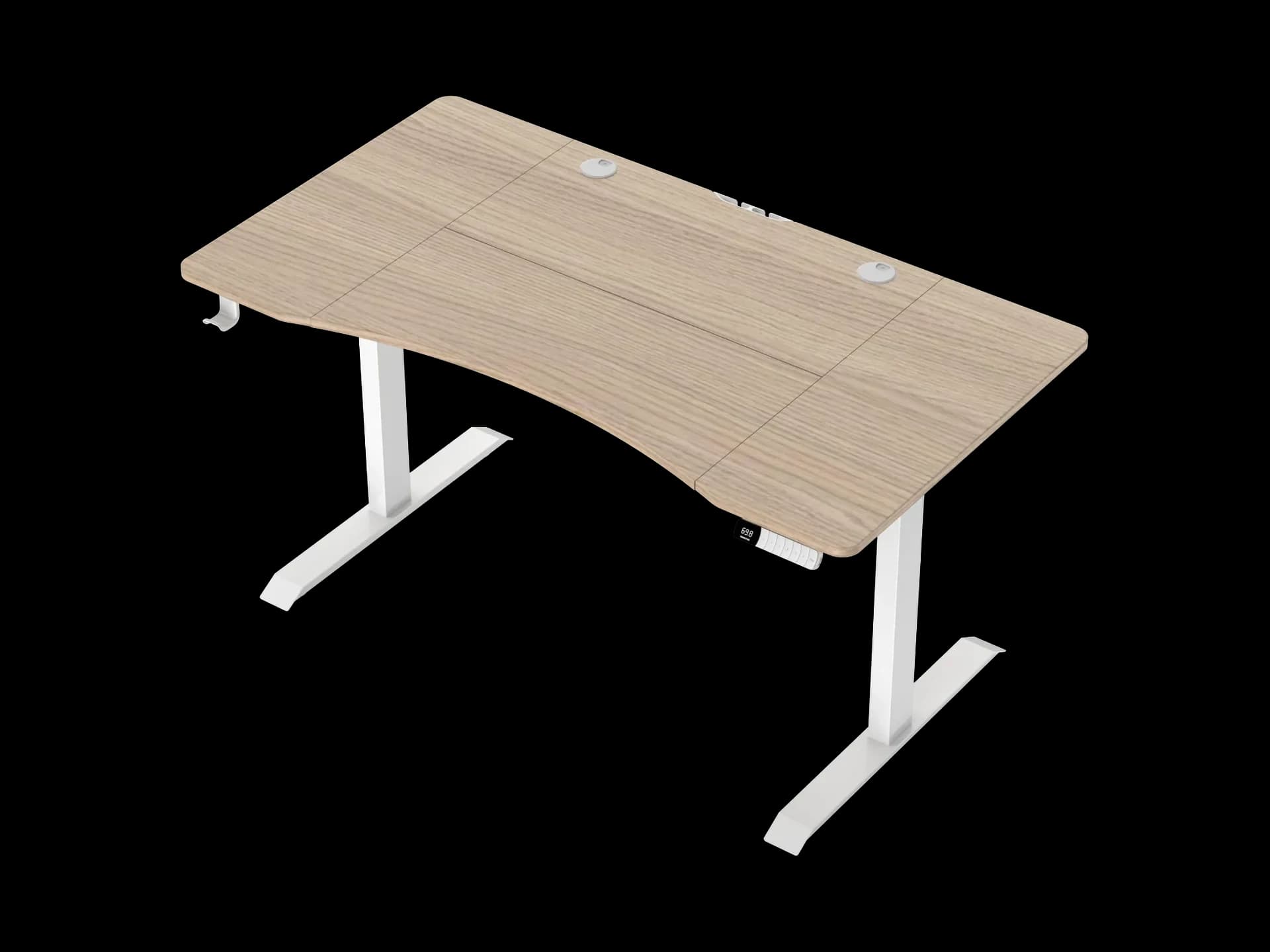
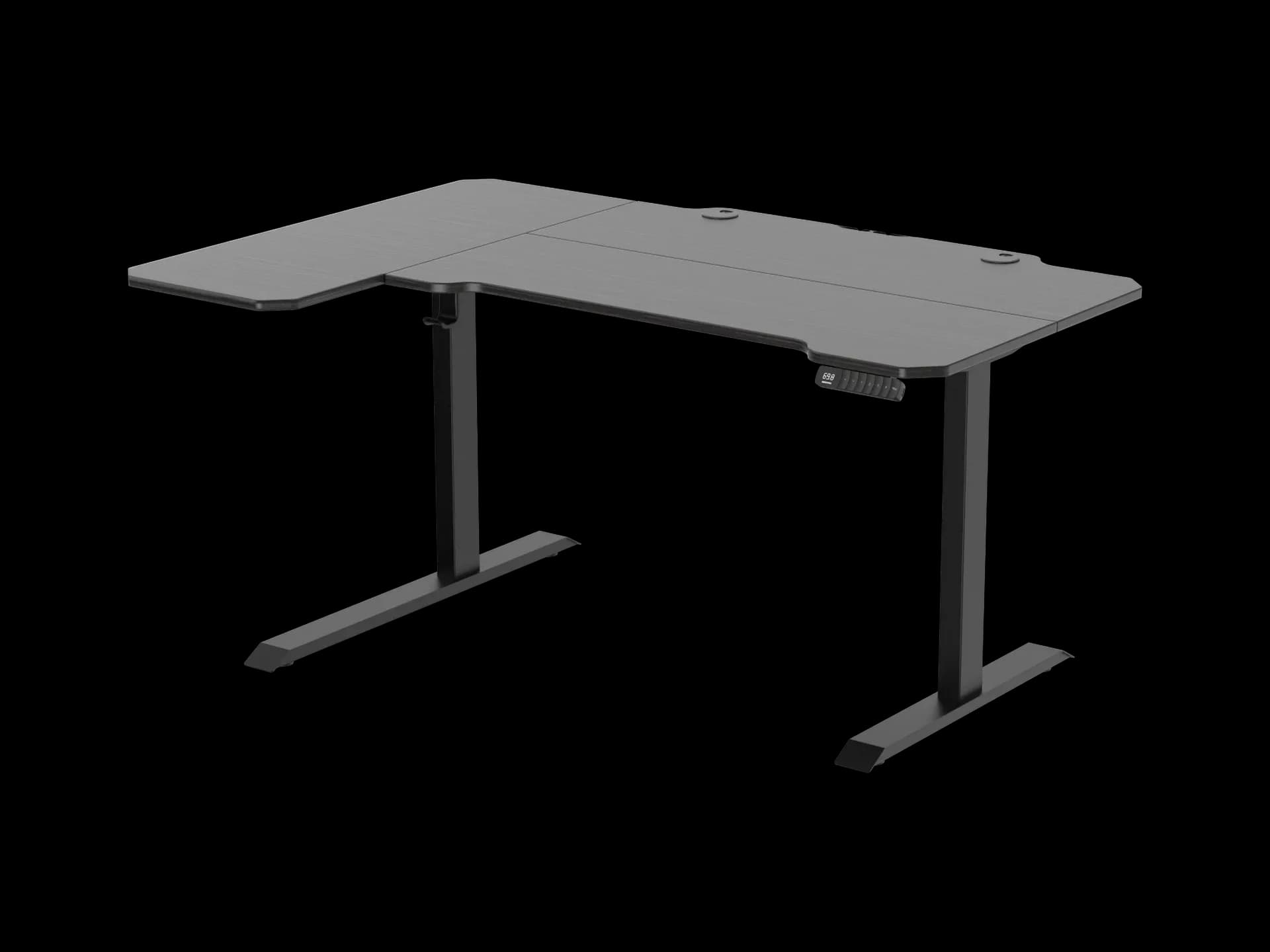
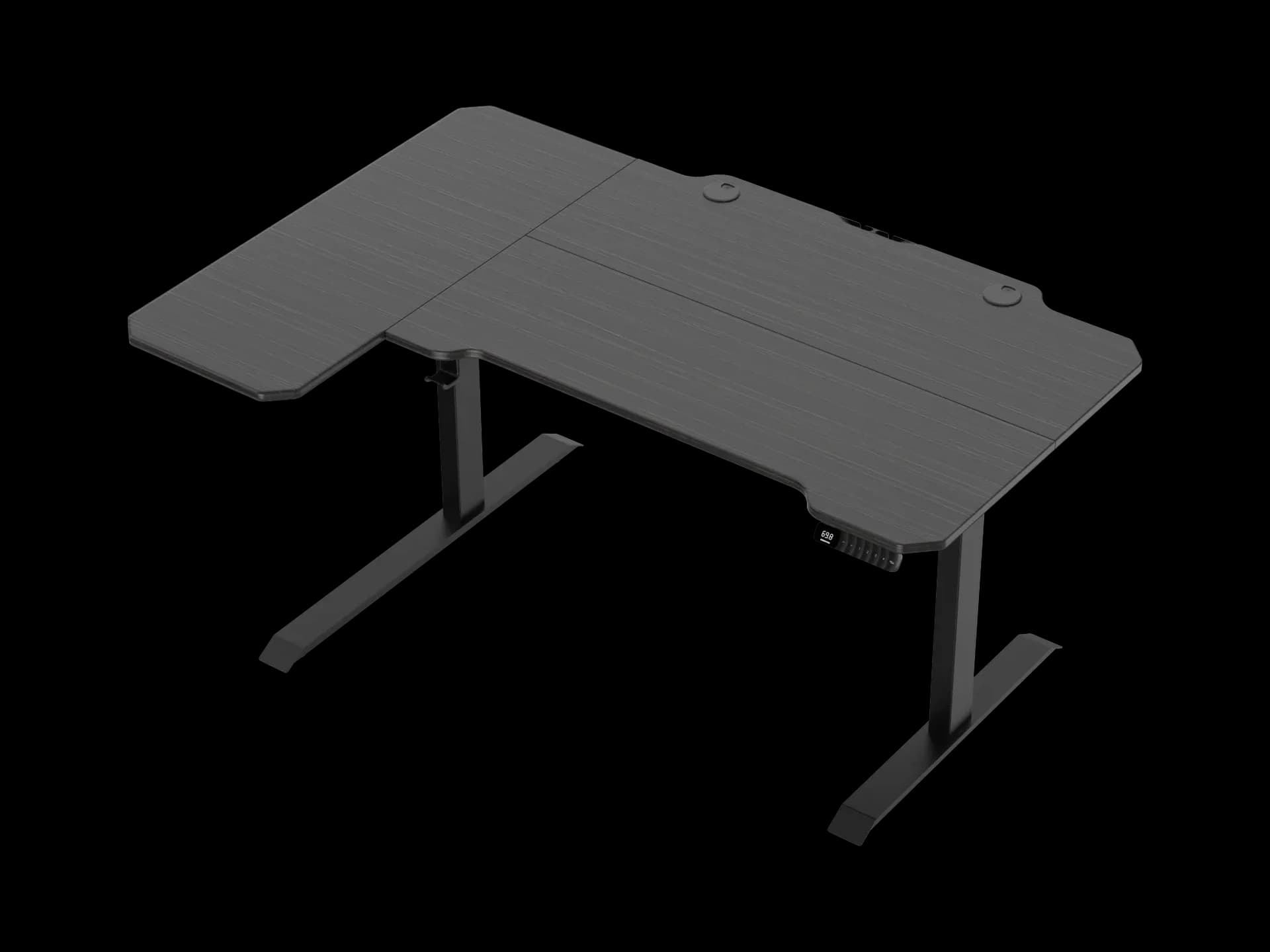
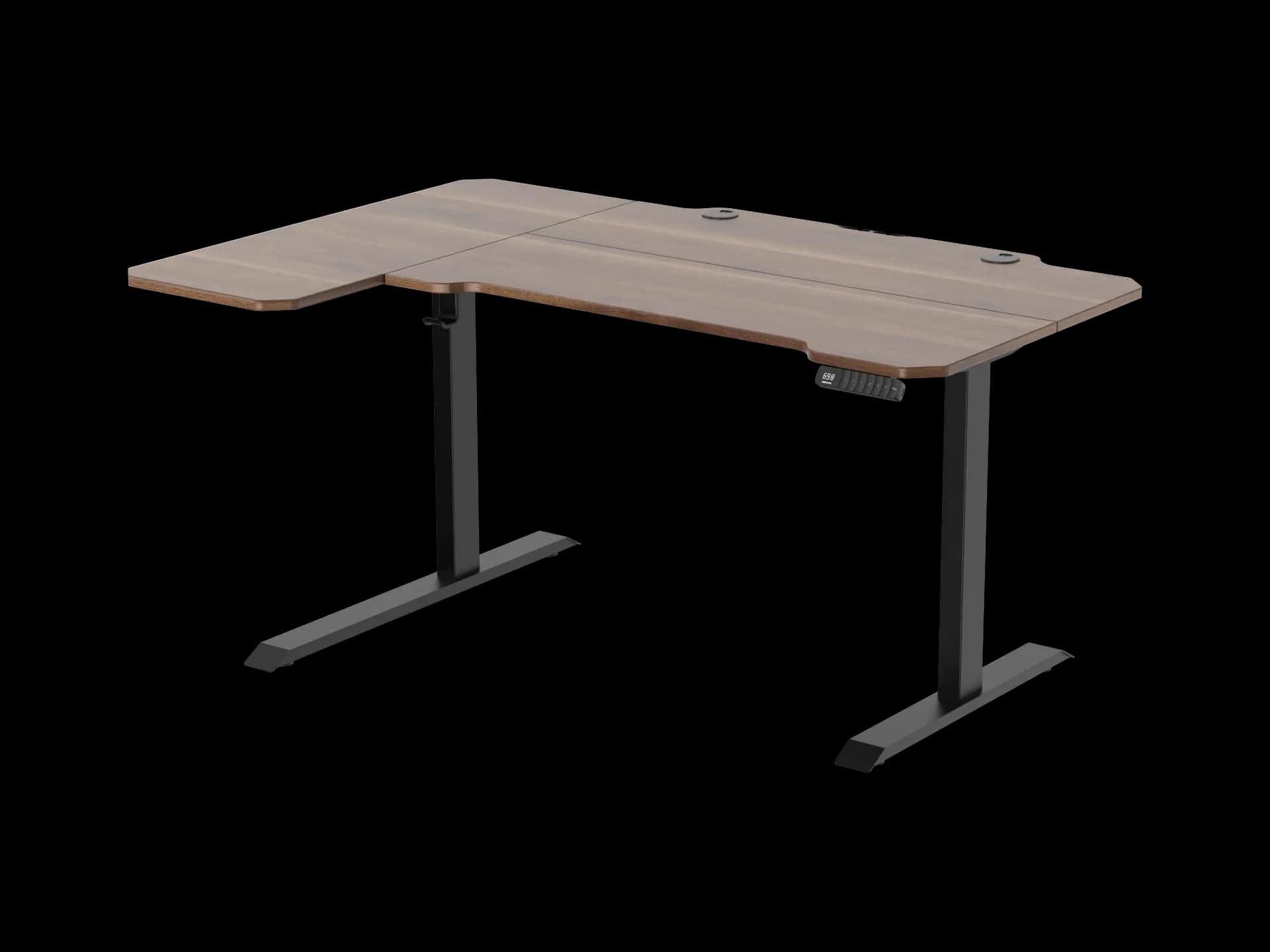
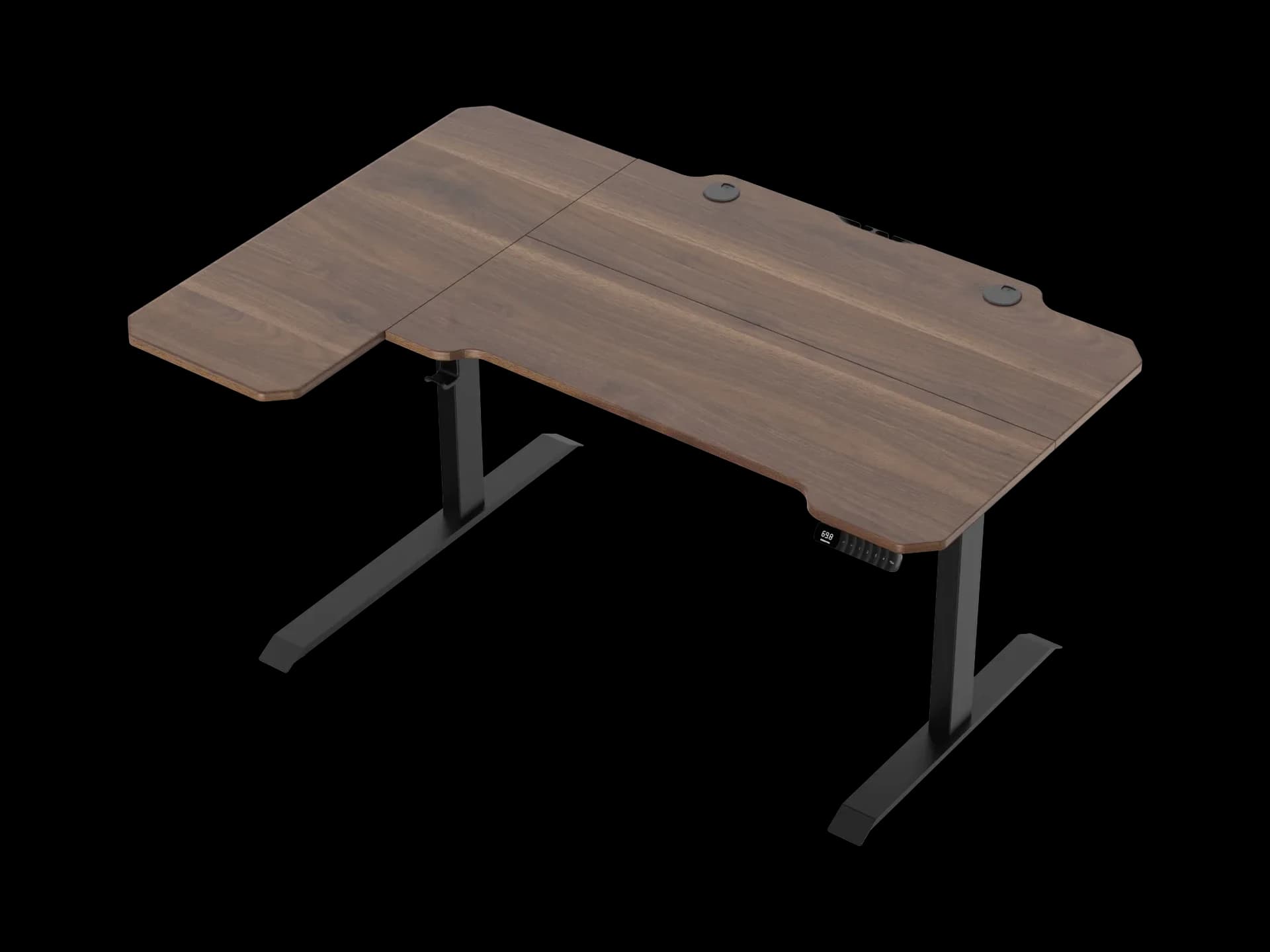
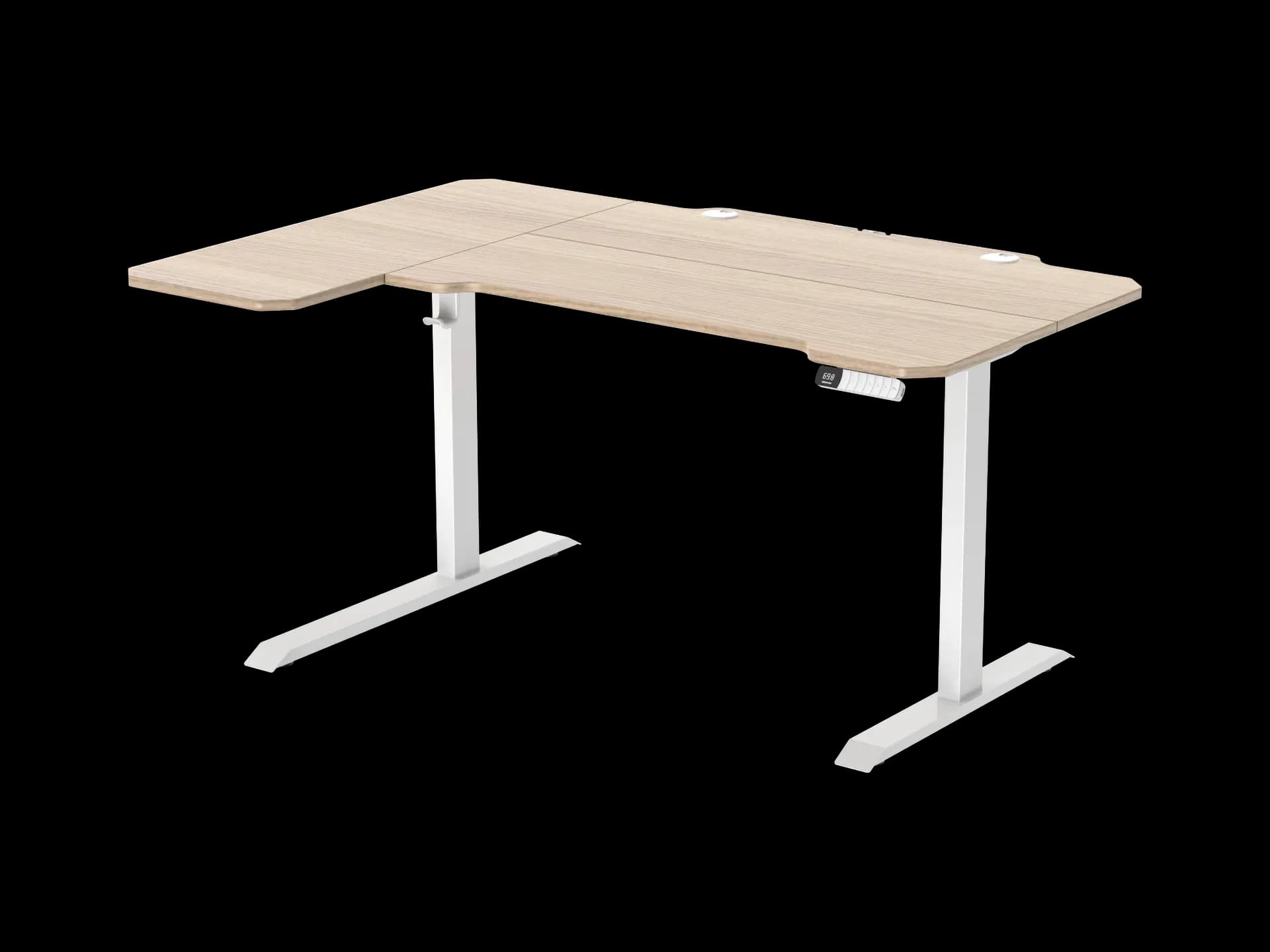
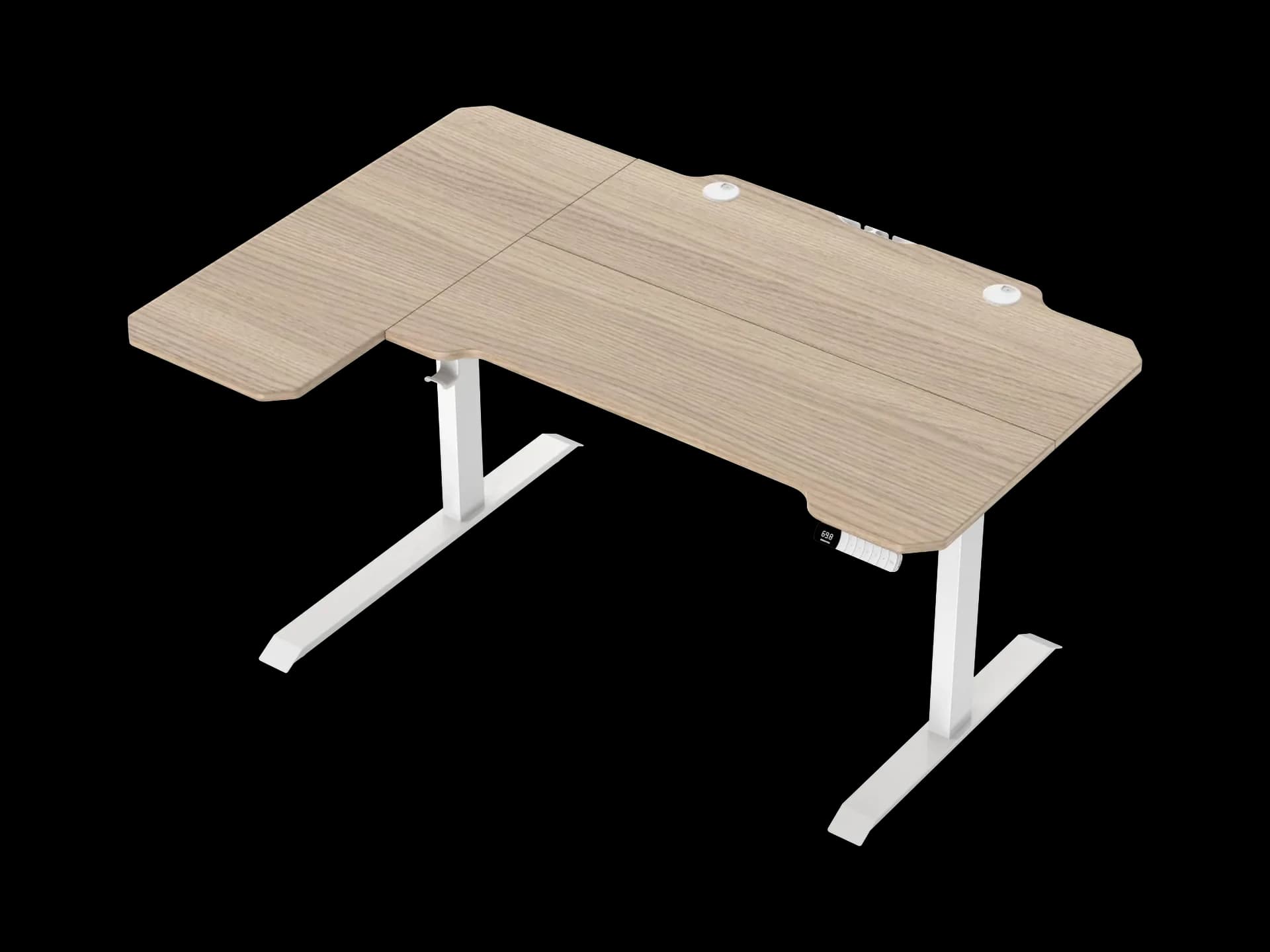
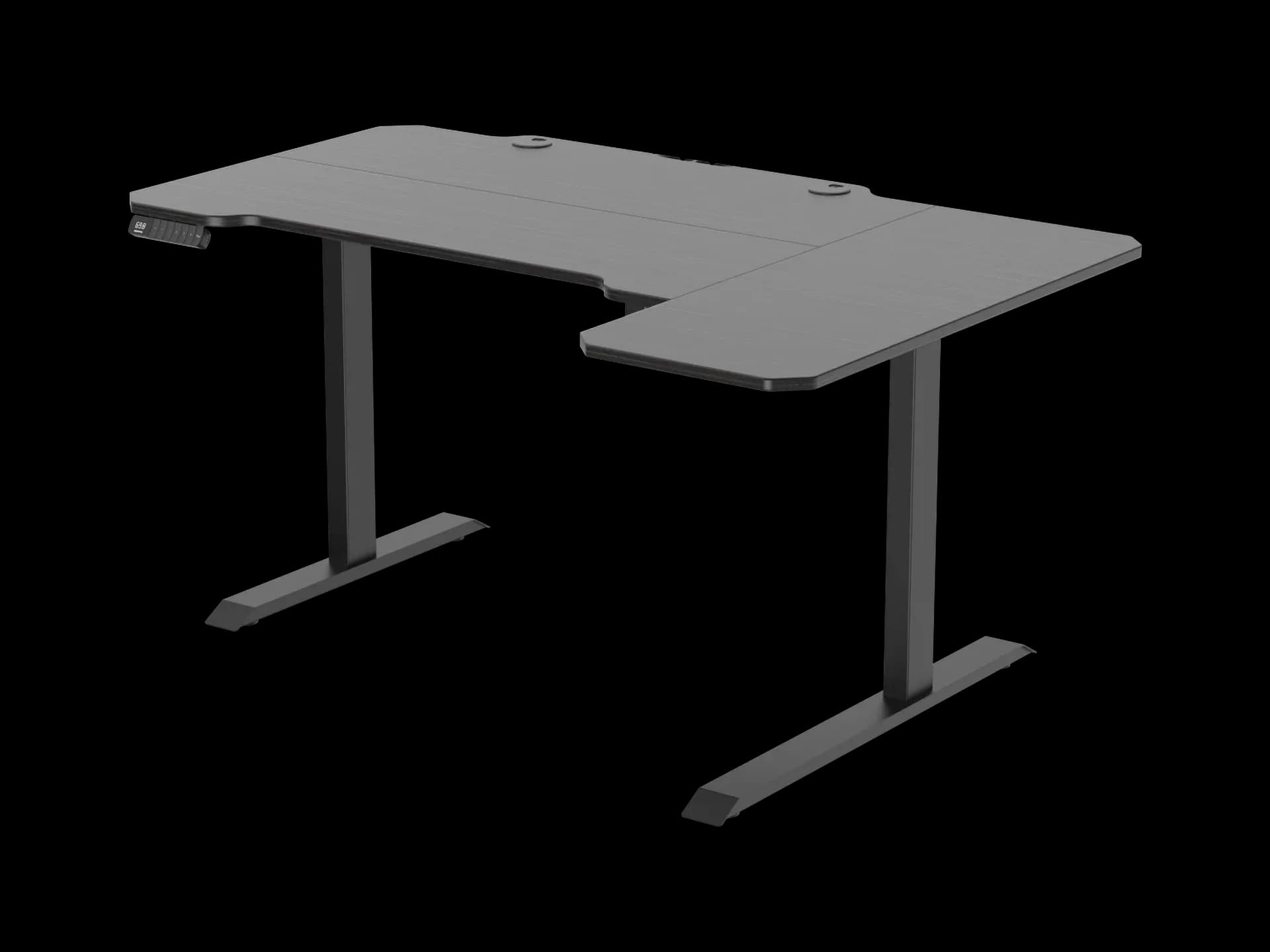
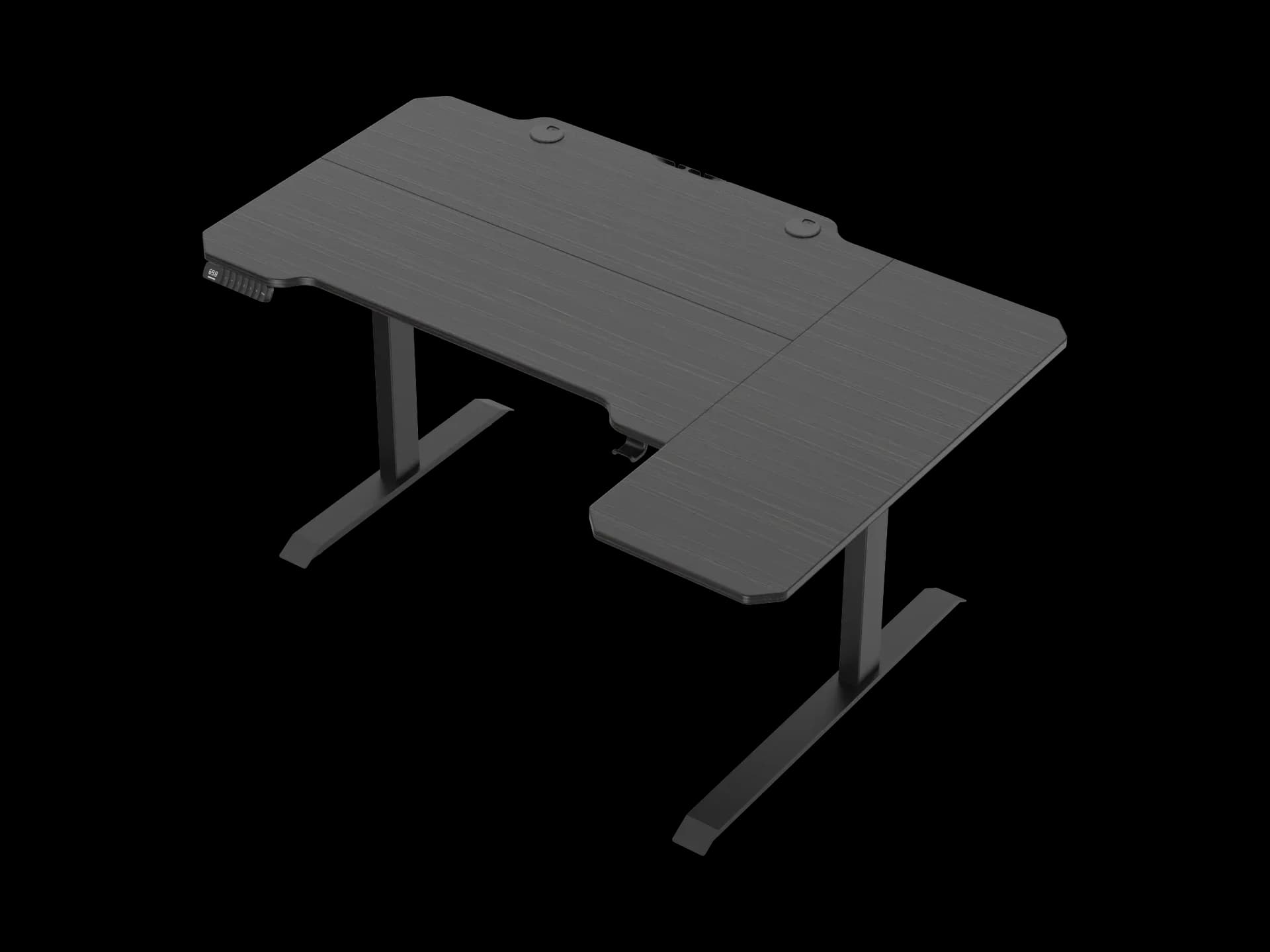
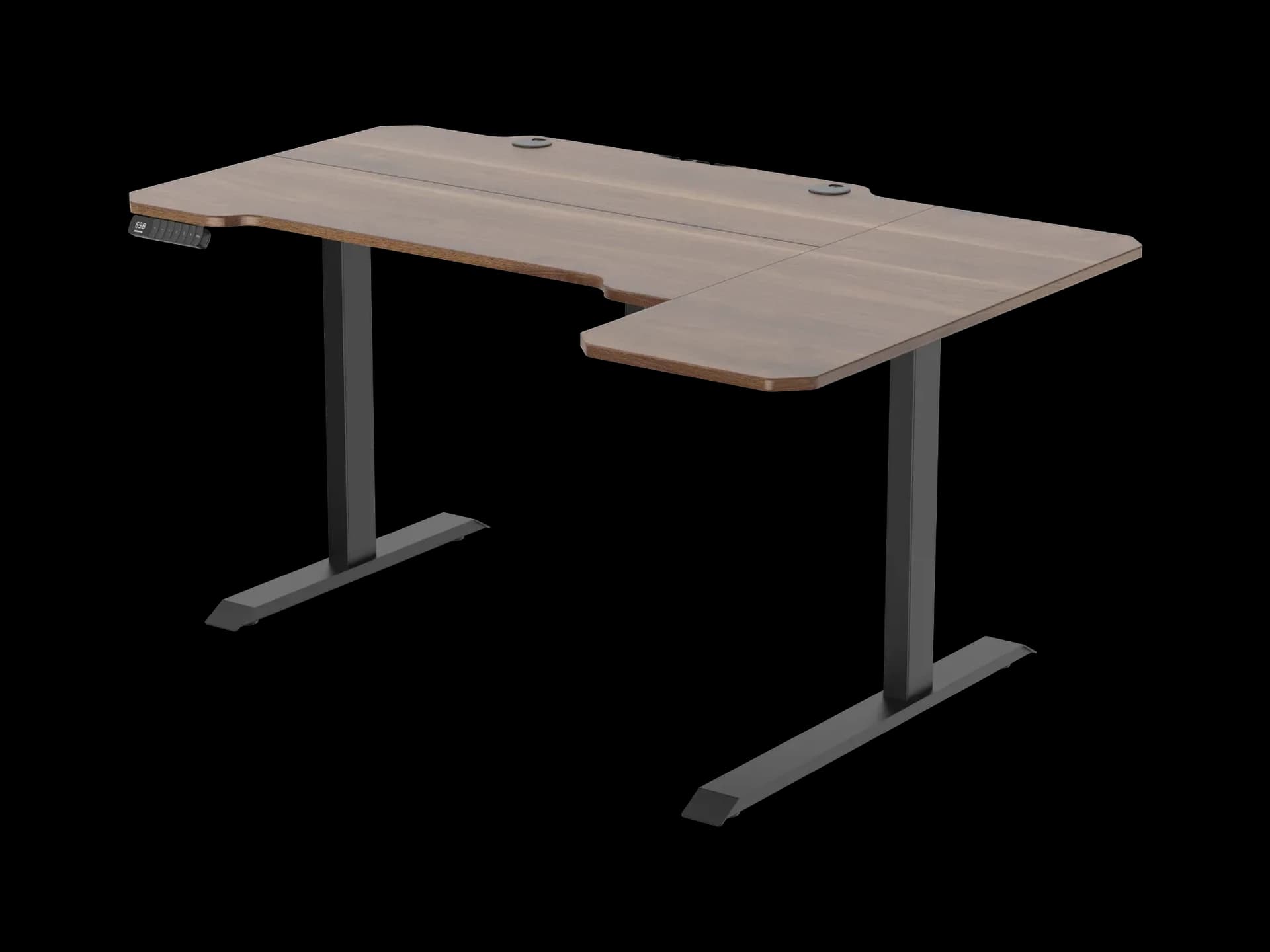
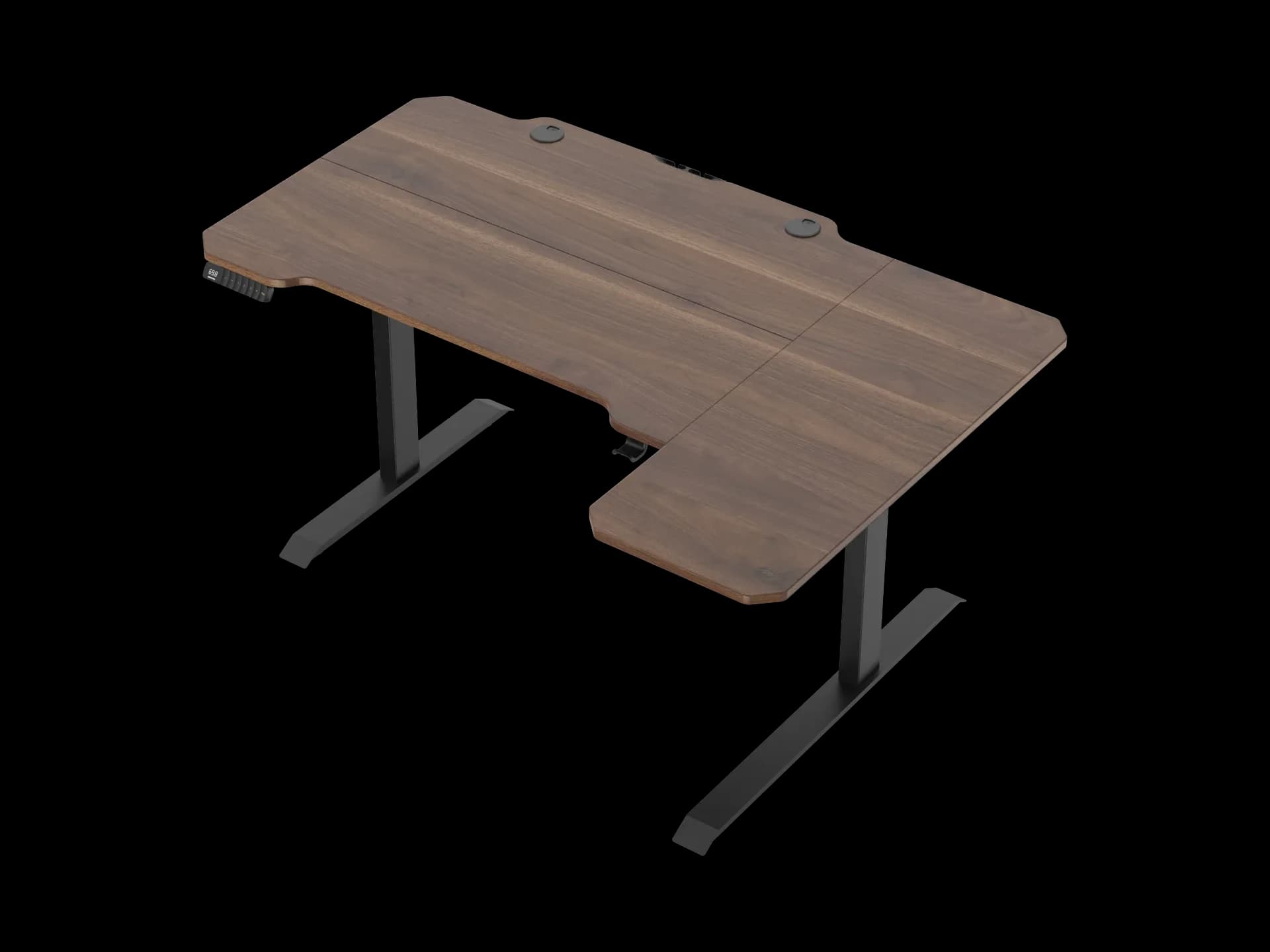
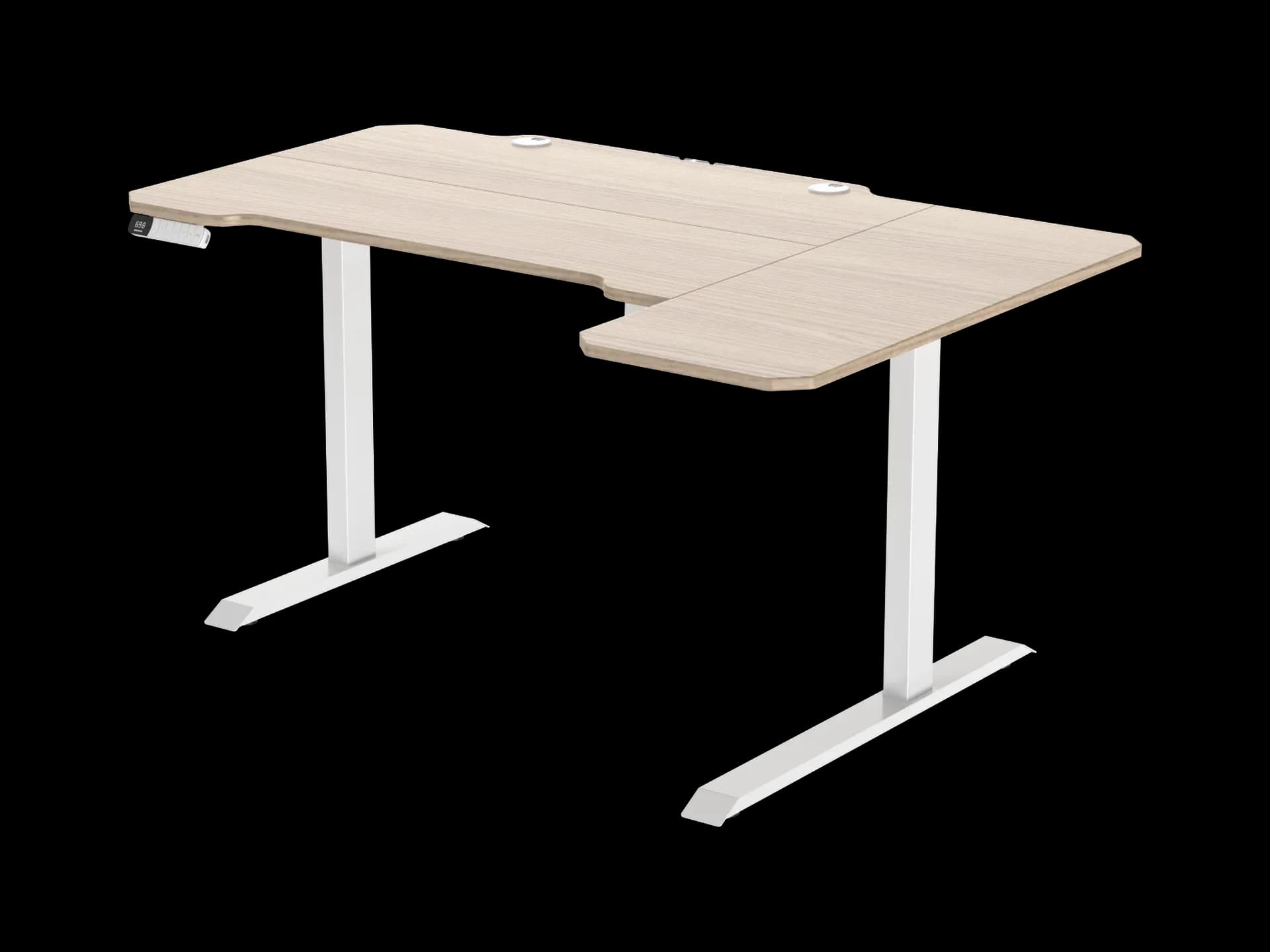
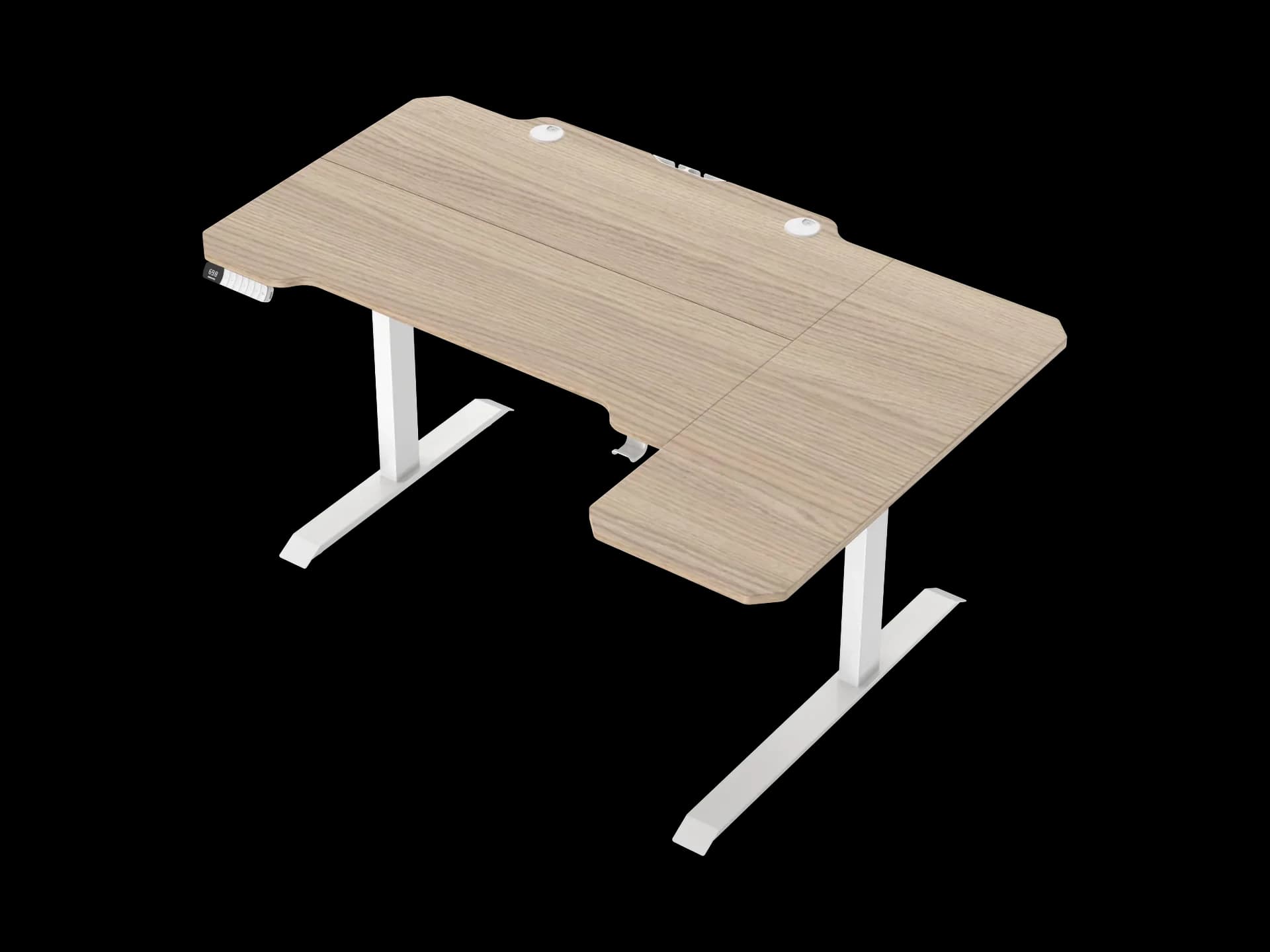
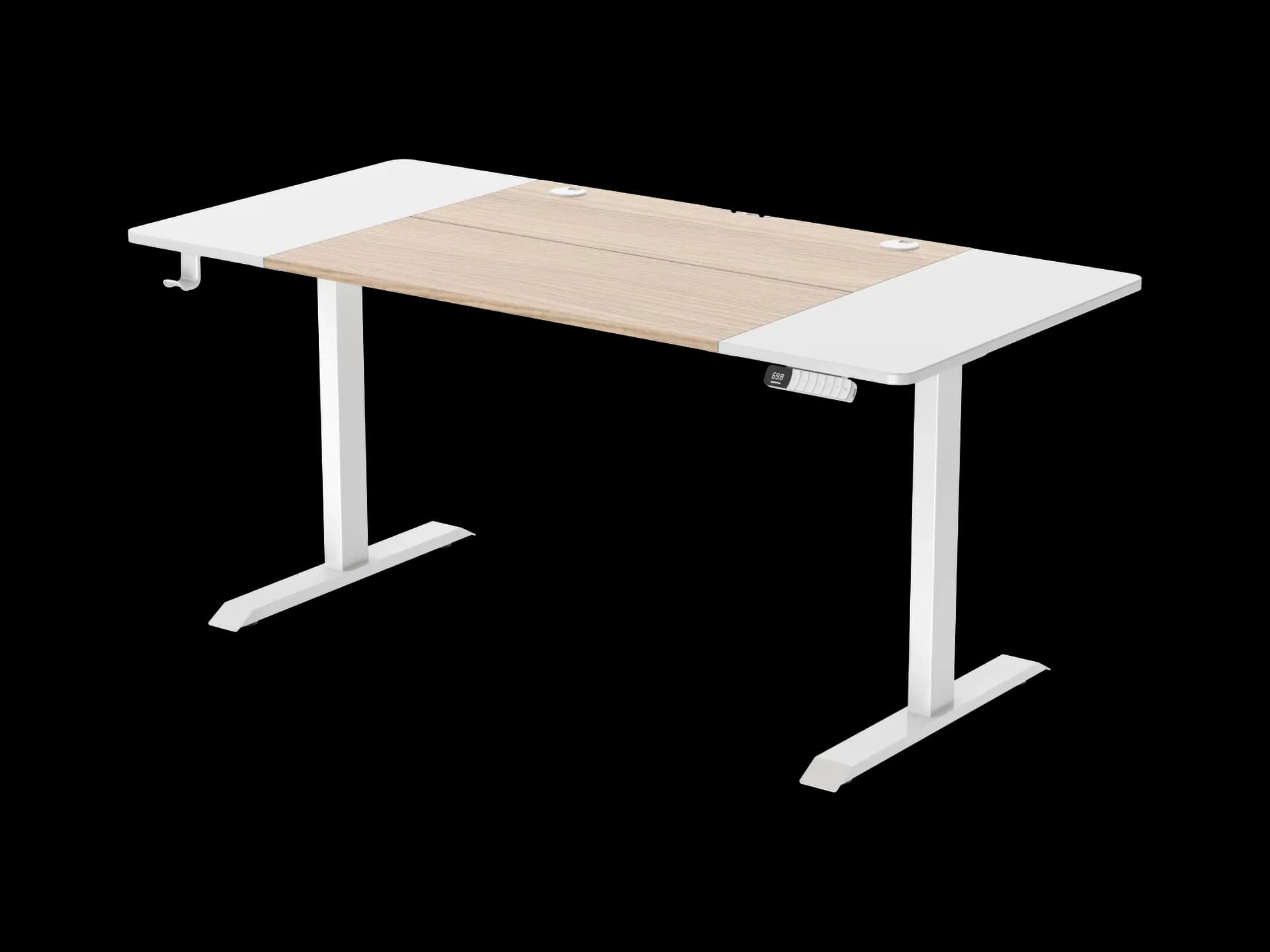
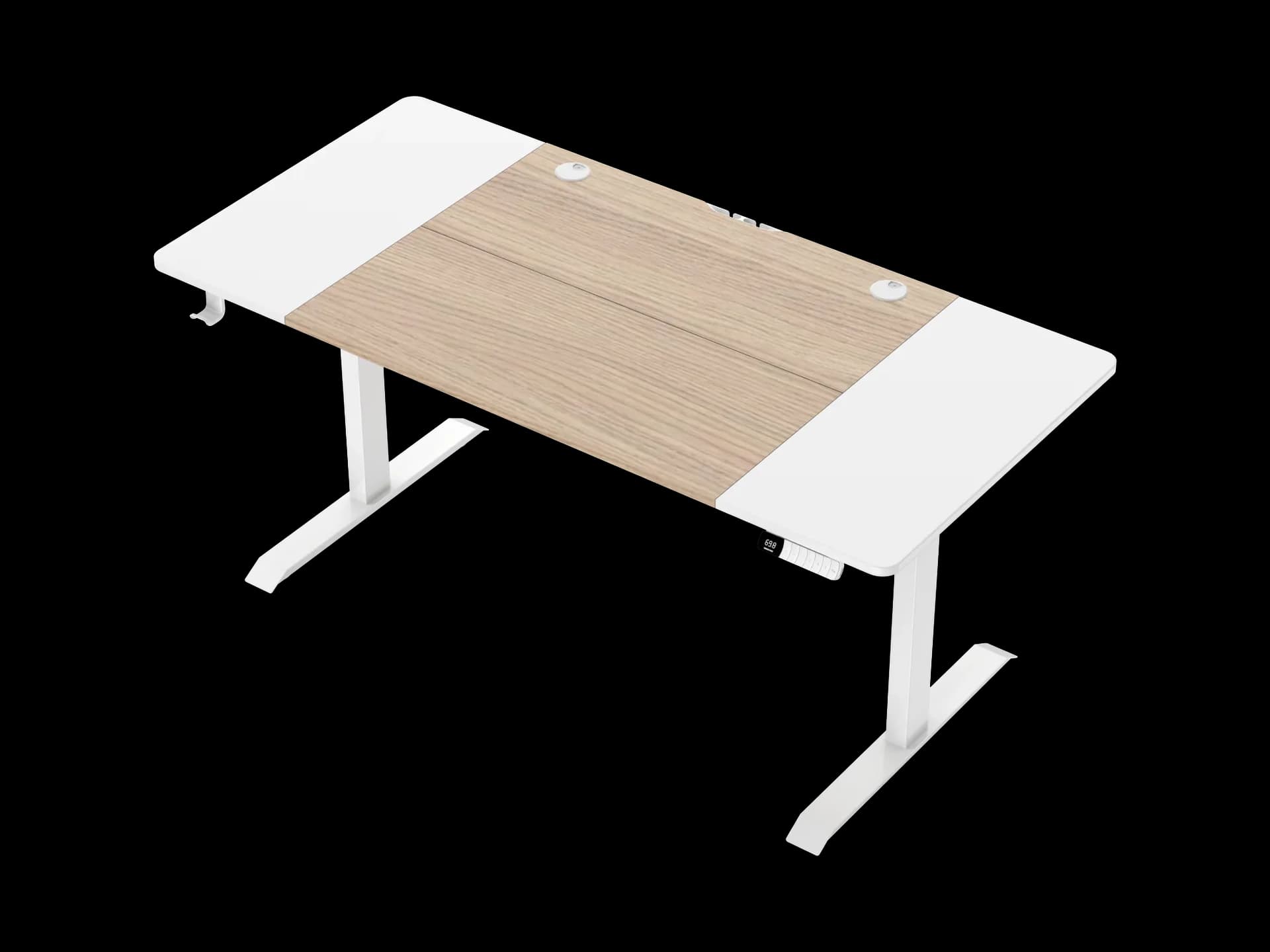
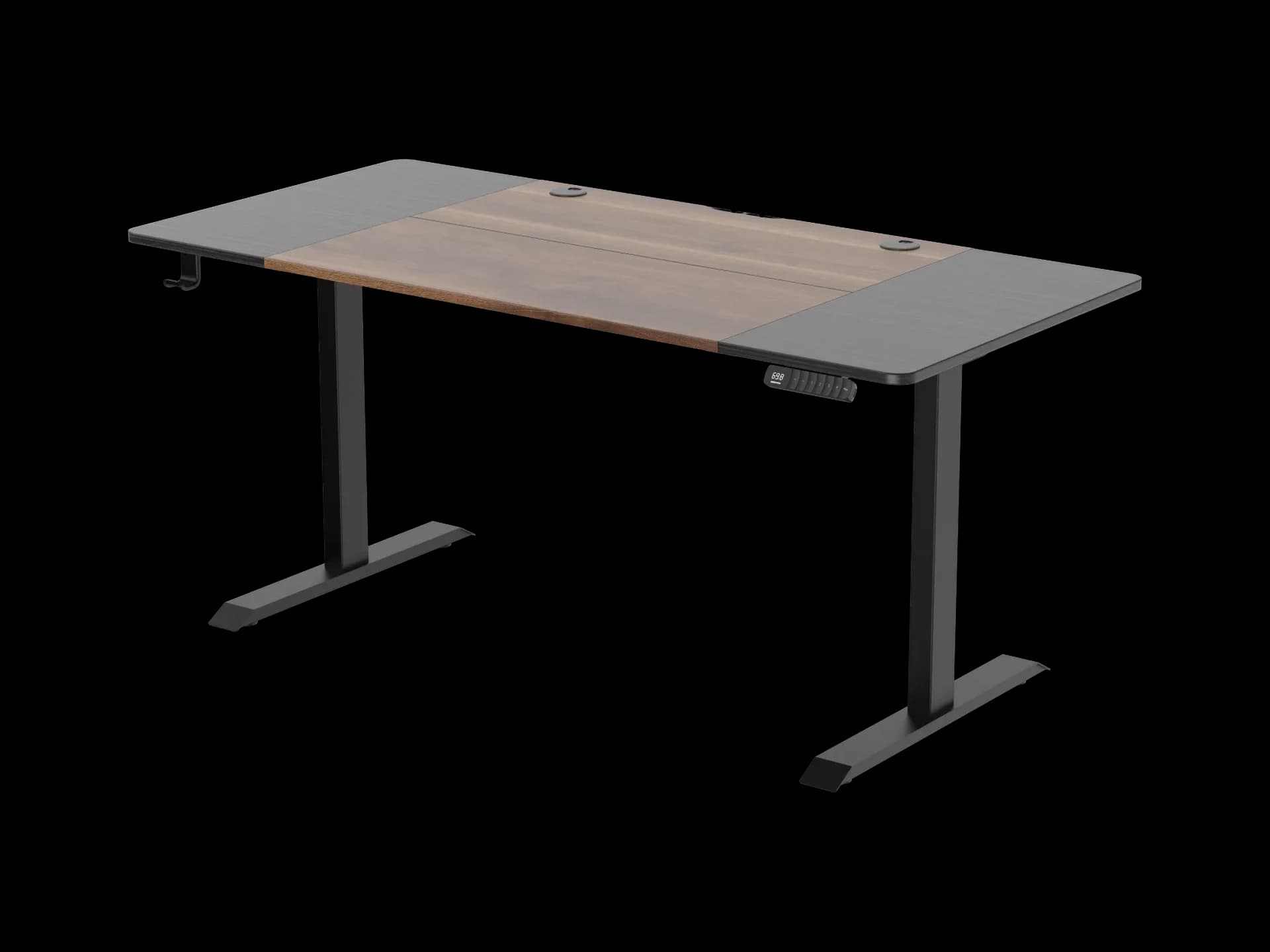
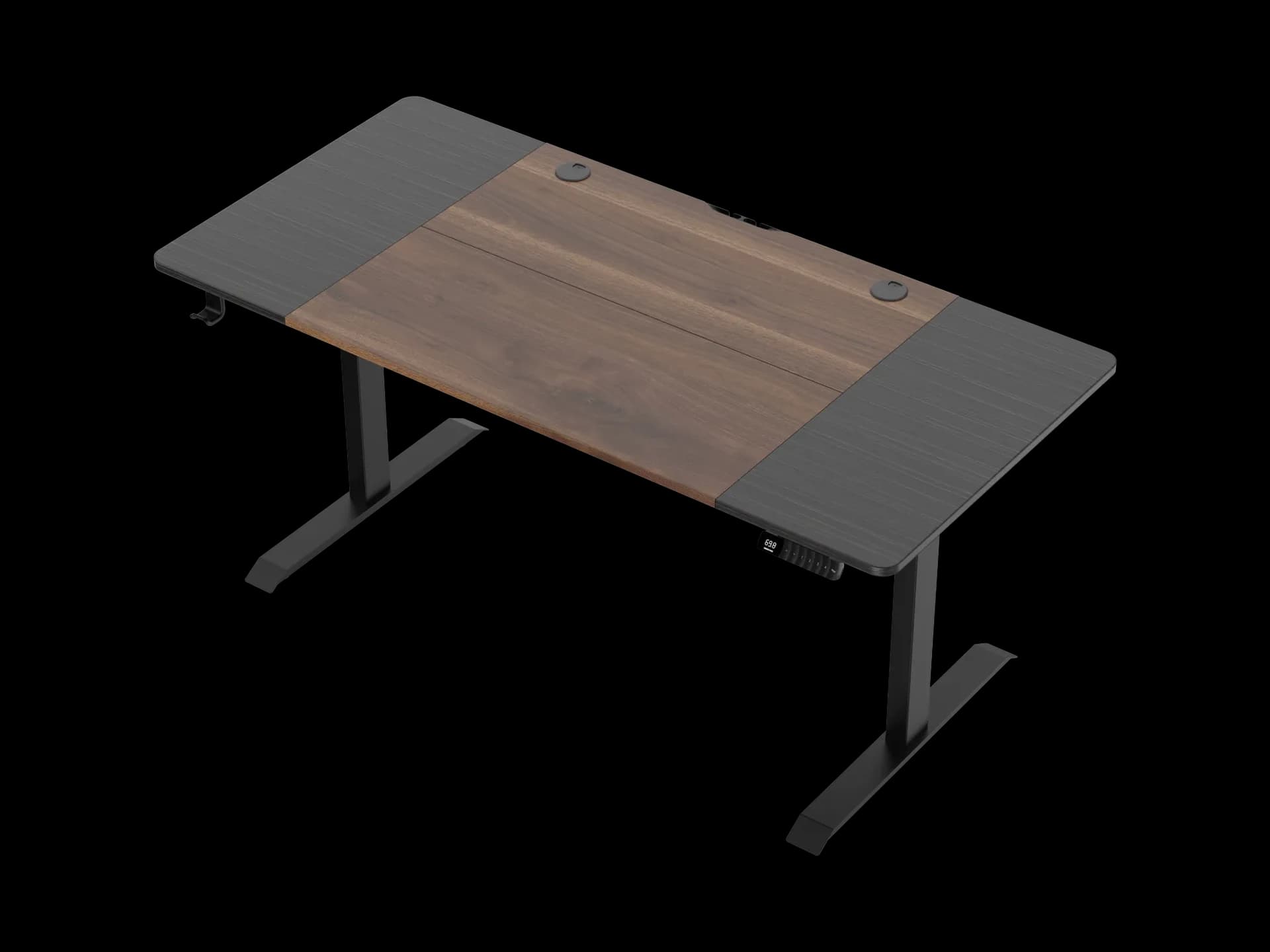
A programmer, analyst or designer needs depth above all. Two monitors, a keyboard and room for your arms call for 76 cm of depth or more: the screens sit at arm's length and your wrists rest on the tabletop, not on its edge. That is why this page gathers every GEEKRIG model 76 and 78 cm deep — straight 140 and 160 cm and corner 150 cm.
The second thing that matters over long hours is the freedom to change position. Every model uses the same mechanism: dual motors — one in each leg — travel from 72 to 121 cm, dynamic load up to 100 kg, three memory presets on the control panel and anti-collision protection. Save a sitting height and a standing height, then switch between them with one button instead of readjusting the desk every time.
How to set the height: seated, elbows bent at roughly a right angle, keyboard at elbow level, the top of the screen at eye level or slightly below. Standing, the same rule applies to your elbows. More detail in the desk height guide.
With two monitors, put the main screen straight ahead and the second one to the side at a slight angle. On a corner desk the second screen naturally takes the bend in the tabletop. Keep the keyboard and mouse at the same height so your shoulders stay relaxed.
If you work on a laptop with one external monitor and space is tight, look at the compact 140×60 cm desks.
Changing position through the day keeps you from being stuck in one posture.
76–78 cm Deep
Two monitors at arm's length.
Three Memory Presets
Sitting and standing — one button.
Straight and Corner
140×76, 160×76 and 150×78 cm.
FAQ
Which Desk Should I Choose for Two Monitors?
One 76 cm deep or more: straight 140×76 and 160×76 cm, or corner 150×78 cm.
How Often Should I Switch Between Sitting and Standing?
There is no single rule; it works best to alternate through the day and listen to how you feel. A practical routine is in the How to Alternate Sitting and Standing guide.
How High Should the Keyboard Be?
At the level of your elbows, bent at roughly a right angle — seated and standing alike. The 72–121 cm height range lets you dial it in for your height.
Can I Put My PC Tower on the Desk?
Yes, as long as the total weight of your equipment stays within the 100 kg dynamic load rating.